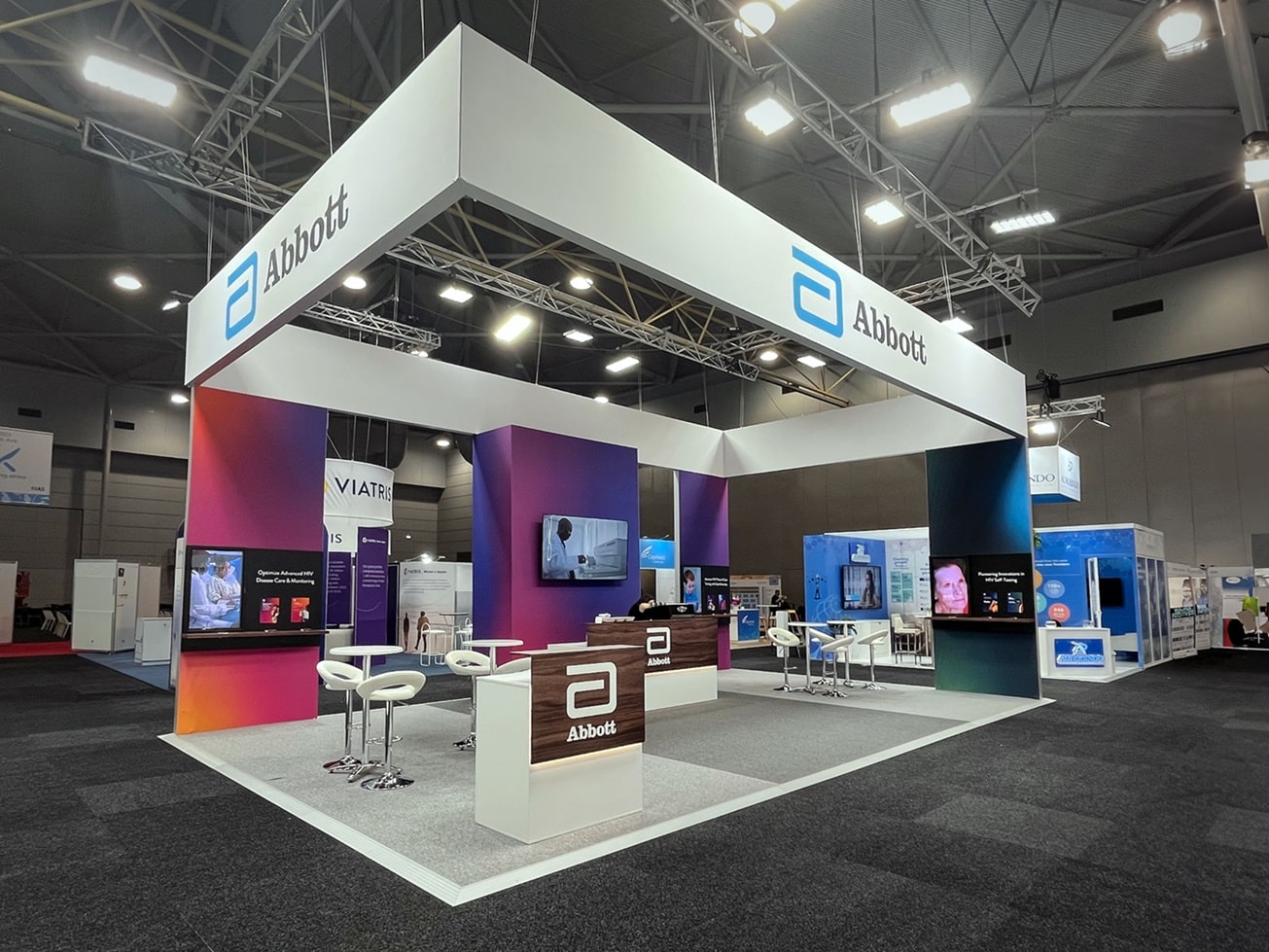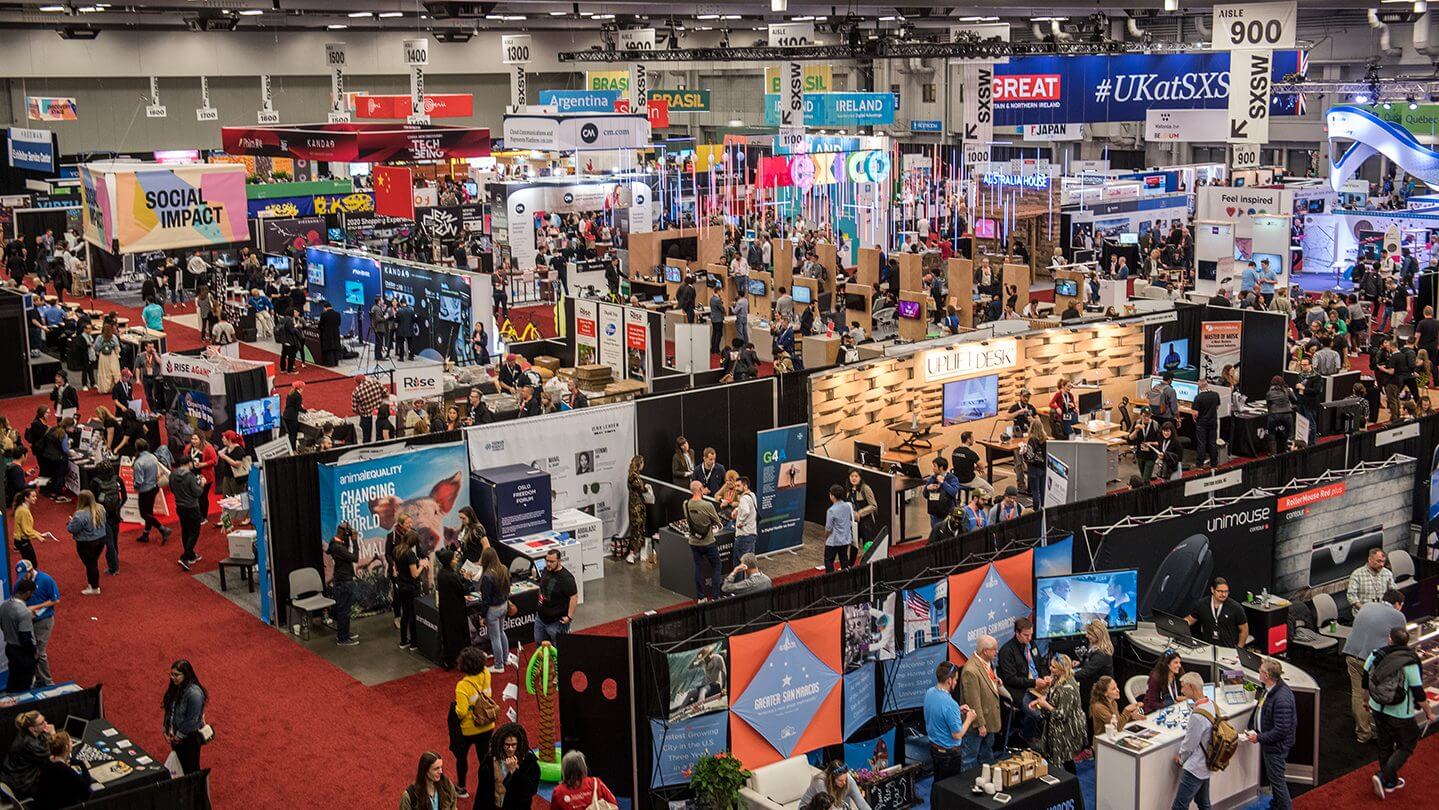
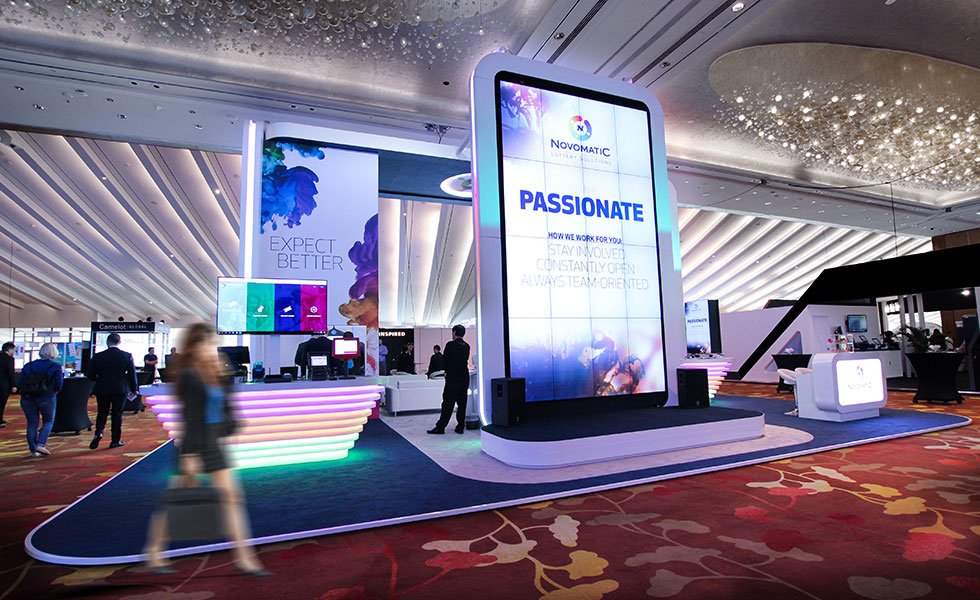
This is our advanced AV guide for exhibitions, and to start off with, there are a heap of audio-visual equipments that you can utilise at your next exhibition; they can be as simple as TVs or as advanced as LED Walls. In this guide, our goal is to share with you the different options out there, how they work, and why you should integrate them into your next booth! If you are in the early stages of your exhibition journey, you could check out our tactical guide to trade shows to help you get started; this also pairs well with our top tips for first time exhibitors which runs through the whole exhibition process so, you are well prepared for success.
Touchscreens
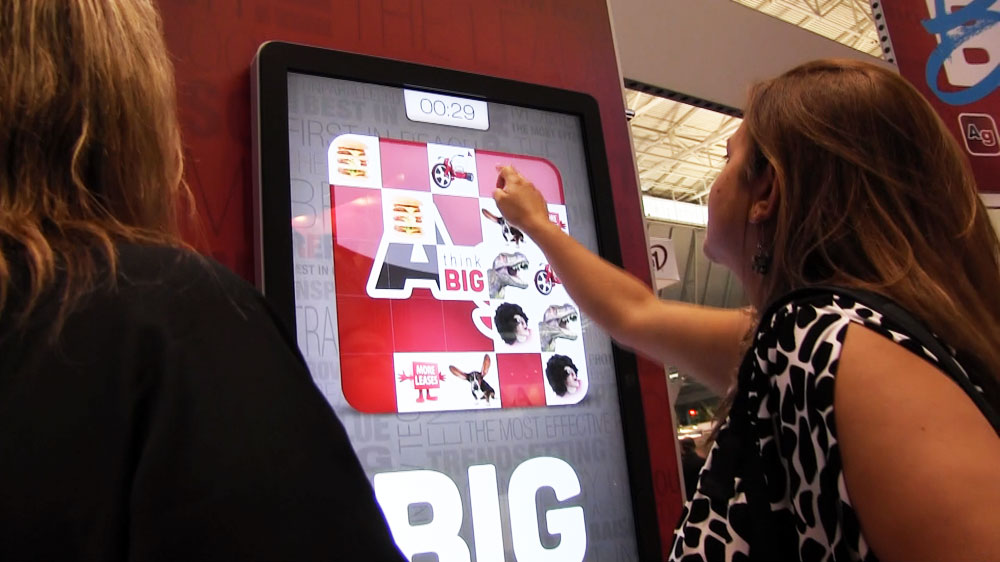
To begin our AV guide to exhibitions, we will start with touchscreens, i.e., a screen that you can touch and navigate with your hands. These are great for connecting with customers, as they would be asking you how it all works, then they get to personally interact with the screen themselves. Apart from the screen itself, it will generally require a small computer with an operating system to run the screen – it will operate as if you are using a desktop computer. Still, instead of using a mouse, you navigate by touching the screen with your hands.
This technology works through an app or software which is created by your company; it will be loaded onto the computer and then run off accordingly when you activate it. Integrating touchscreens works well on custom exhibition stands because you can build it in a way that makes it seem like it’s part of your booth architecture and this will provide a cohesively professional finish to impress your audience. ;
Holograms
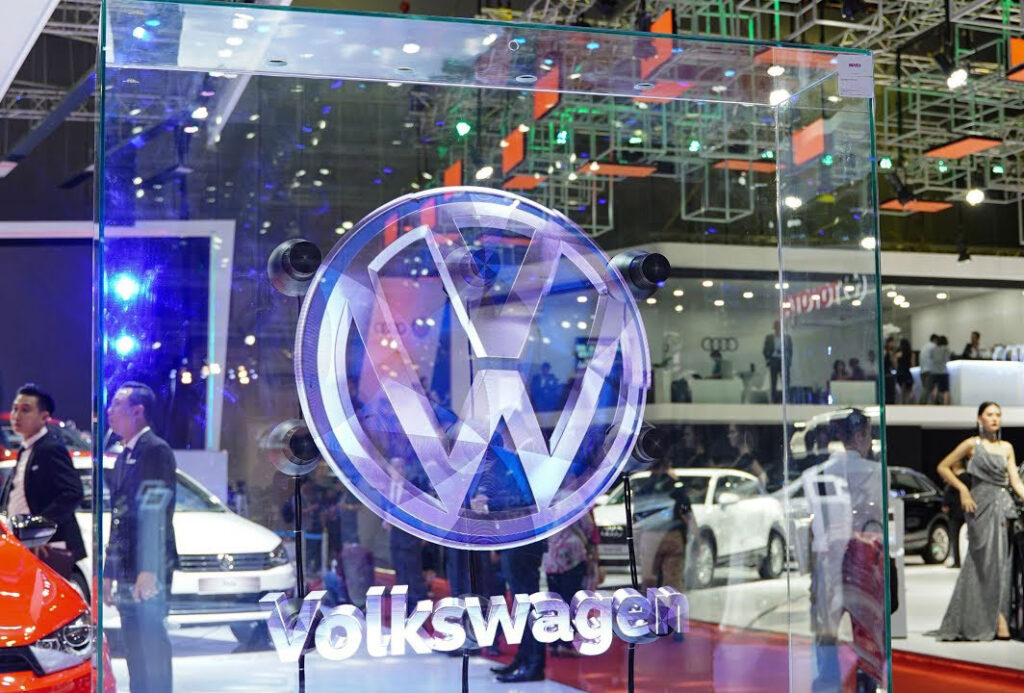
Second our AV guide to exhibitions, and hologram fans. These can be in the form of a fan or a projector within an enclosed display plinth, because of this unique technology of making an image appear as if it is floating in the air – it can generate attraction and draw visitors to your booth. Holographic fans function by integrating LEDs into the blades, and the fast-spinning action of the fan allows the images to be displayed. Since holograms are LED projections, it will require more of a darker space (or a dark background will do, too) to make sure the projection is bright as possible.
LED Walls
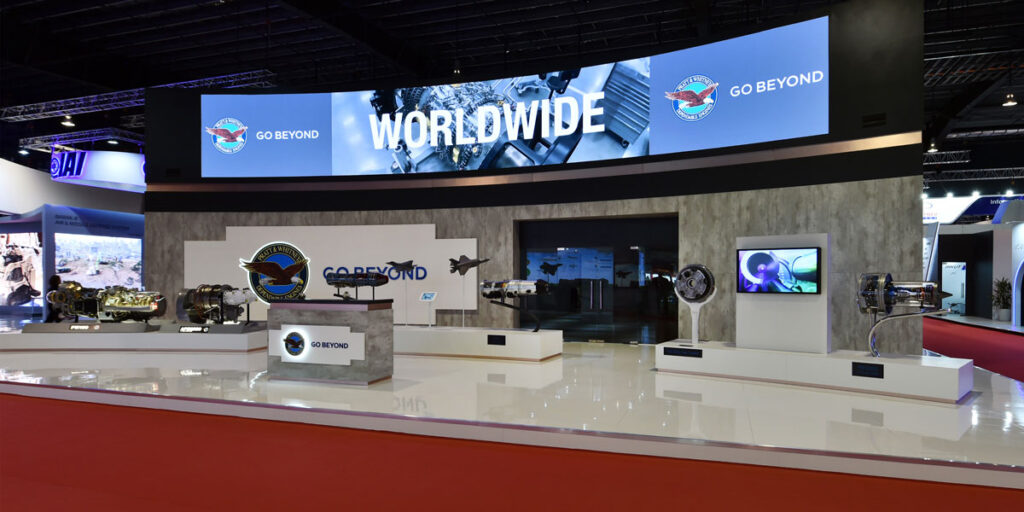
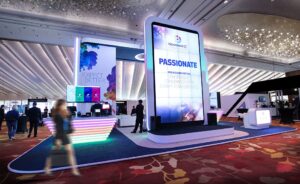
Third, on our AV guide to exhibitions, LED walls. These are made up of modular panels that get joined together to create a larger screen. The size and distance between LEDs will determine their resolution (how sharp the image will come out). LED walls require a sturdy wall for the wall brackets; then the screen panels will be installed onto that (each panel is about 250mm x 250mm).
You would choose to use an LED wall because of its seamless joints and high-quality display on a large scale. To give it that professional finish, you could recess the walls so that once the panels are installed, they will sit flush with the face of your wall, so it seems as if they are part of the wall. Due to its modularity, you could get creative and stagger the panels so that they create a pixelated effect. Something unique like this can really catch the attention of your visitors; make sure you are getting a creative exhibition stand design to complement this highly effective technology.
3D TVs
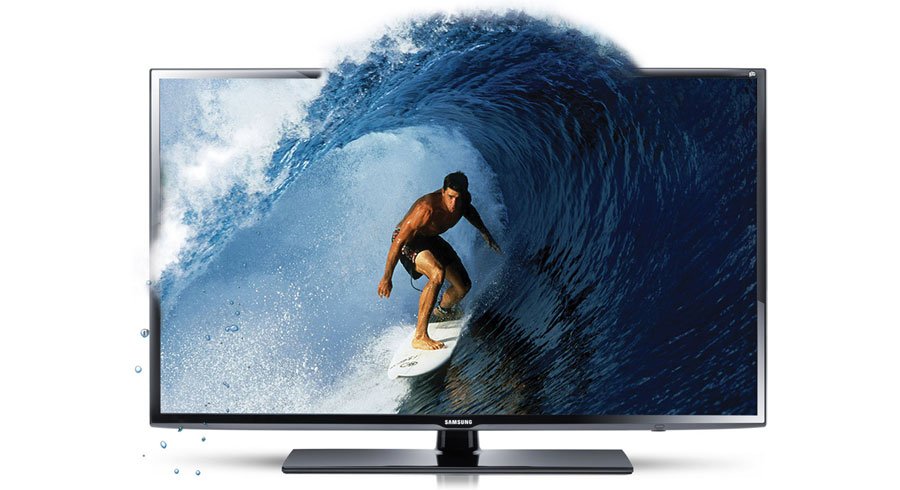
3D TVs are screens that convey depth and require a special set of glasses to be used in conjunction to witness a three-dimensional effects. Perhaps you are unable to display your product at the event; you could try using this strategy to give customers a unique experience by showing them digital animation with 3D effects to make it look as if it is coming out of the screen in front of them. This type of technology has the ability to trigger the curiosity of humans because they understand that there is a purpose for why that screen looks a certain way (without the 3D glasses). Still, they want to go up and find out what the final effect will look like once and for all.
Projectors
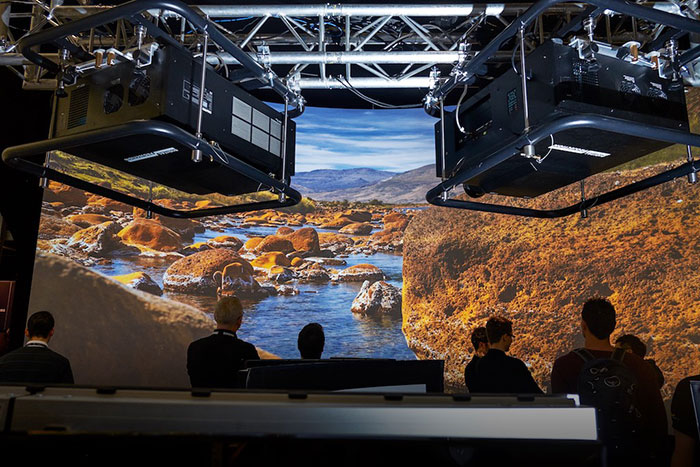
We have reached the midpoint of our AV guide for exhibitions; feel free to take a breather. Projectors are devices that display images or videos through a magnifying lens; these can be used in conference rooms where it gets connected to a computer or your phone via an HDMI cable (or wireless) so that you can display a larger image on the wall. Other ways you can use projectors include combining multiple projectors to produce a larger image; keep in mind that the effectiveness of this will be based on the brightness of the venue (it may lose its impact if the venue is too bright).
VR Stations

VR Station is a setup that allows your customers to experience Virtual Reality; it requires a powerful computer to run the software, sensors to align your positioning, controllers to control the movement inside the VR software, and VR glasses as the main device that lets you envision yourself in another world. To make the most out of VR stations, you can hire standard apps or create your own branded apps to maximise your branding experience with the customer.
You will require a certain area of open space to allow the user to move freely and not knock into anything accidentally. Usually, there is a screen that accompanies this setup so that the audience watching can also see what the user is seeing, and this helps attract larger crowds as others may want to try it out. VR stations provide a great opportunity for exhibitors to interact with their customers, giving them truly unique experiences and memories they can take away with them. If you don’t have the budget to purchase these devices, you could consider hiring your audio visual equipment and have technical assistance to help you get it all set up and going.
Digital Kiosks
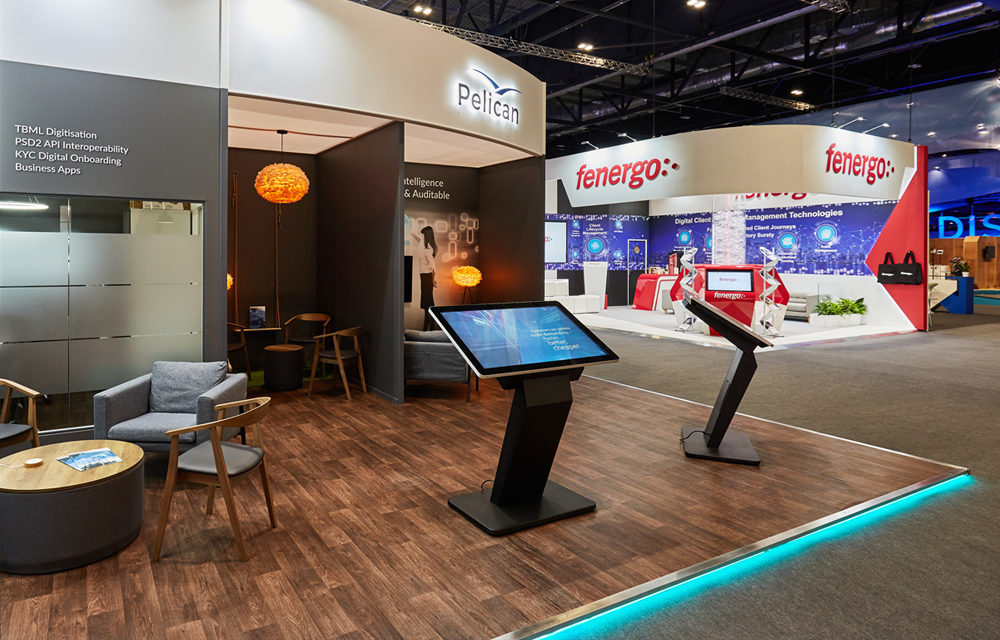
Digital kiosks are freestanding displays (with an integrated screen) that can be navigated through touch, like touchscreens. Rather than just the screen itself, it is fully housed within a presentable structure (the computer parts are all within the stand). Digital kiosks can be used to provide information about your product which the user than interact with or can simply be images/videos on loop.
Video Conference Equipment
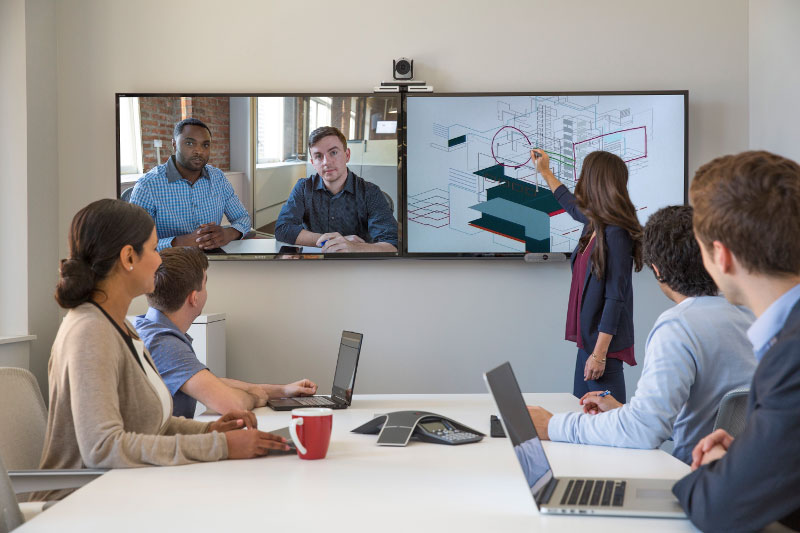
Video conference equipment consists of a range of devices that are used within meeting rooms where you can have a meeting with other parties. The types of equipment that can be used can consist of analogue phones (with automatic noise suppression), tabletop microphones, HD web cameras, etc. This type of equipment is specifically used to ensure that the call is clear and of high quality. A video conference is typically used when a group of people cannot meet in person to discuss important business. Therefore, you would use this in a private environment such as an enclosed meeting room etc.
Live Streaming
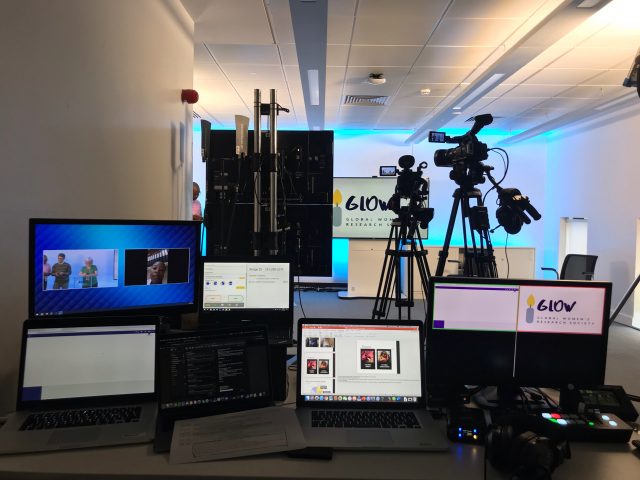
Live streaming is where you are broadcasting live to an audience, and the equipment for this type of purpose requires another set of devices that not only ensure the image output quality is professional, but it also makes sure the right environment is portrayed. A typical live streaming scenario can involve multiple professional cameras on tripods, light sources on tripods directed at the speakers, and high-quality sound systems fully integrated with the IT infrastructure to fully control the stream.
Gaming Devices
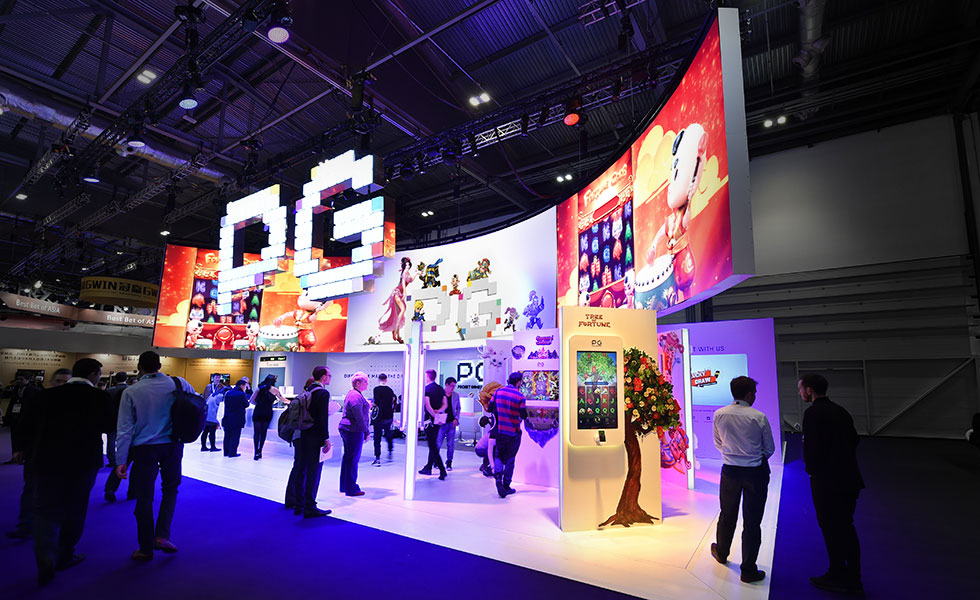
The last item on our AV guide for exhibitions is gaming devices. They can come in many forms and are great for attracting an audience who loves to play. It can come in the form of consoles such as PlayStation, Xbox, Wii, etc., or a standalone package such as slot machines, arcade gaming booths for the classic games, and AR/VR stations.
Conclusion
To conclude this advanced AV guide for exhibitions, you can see that there are a variety of advanced audio-visual options out there, and it could get confusing to decide which is the right choice for your booth. Each type of equipment can attract different types of crowds, and it will come down to the type of audience you are looking to attract and how you plan to utilise those tools to maximise your ROI. UCON Exhibitions are experts in the industry who have dealt with all types of audio-visual equipment, if you are stuck or don’t know where to start, then reach out and get in touch with our friendly team!